Bounces Damage Your Sender Reputation
Every hard bounce tells inbox providers your list is stale, and bounce risk rises the longer a list sits unused.
Email lists go bad fast: up to 25% of B2B contacts change every year. Upload your old list and we'll remove invalid, bounced, duplicate and risky emails, so you can re-engage the rest without hurting your sender reputation.
Trusted by teams at






Every month a list sits unused, more of its addresses go dead, get recycled into spam traps, or simply stop existing. Keep your bounce rate under 2% and spam complaints under 0.3% to stay in the inbox.
Every hard bounce tells inbox providers your list is stale, and bounce risk rises the longer a list sits unused.
Gmail and Yahoo require bulk senders to keep spam complaints under 0.3%, and Microsoft now has its own rules for high-volume senders to Outlook. Stale lists push you past those limits.
Up to 25%of B2B contacts can change in a single year
Inactivity accelerates decay. As addresses go stale, your deliverability and sender reputation take a hit.
Go from an old, messy list to a safe-to-send list in minutes. No setup, no configuration.

Upload a CSV with up to 25,000 emails per batch, or paste addresses straight in for smaller, one-off lists.
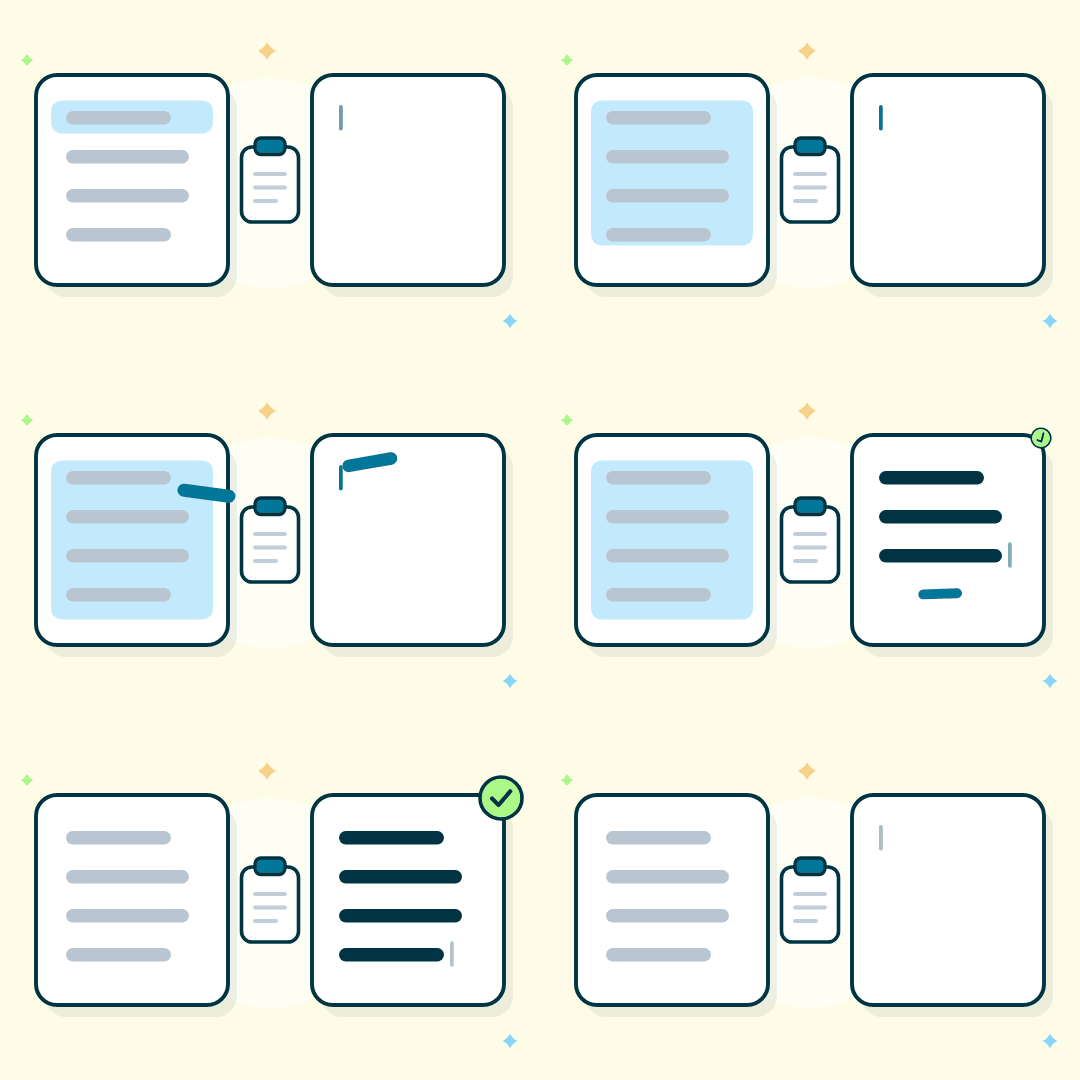
Duplicate addresses are removed, and malformed addresses with typos or missing parts are caught before verification starts.
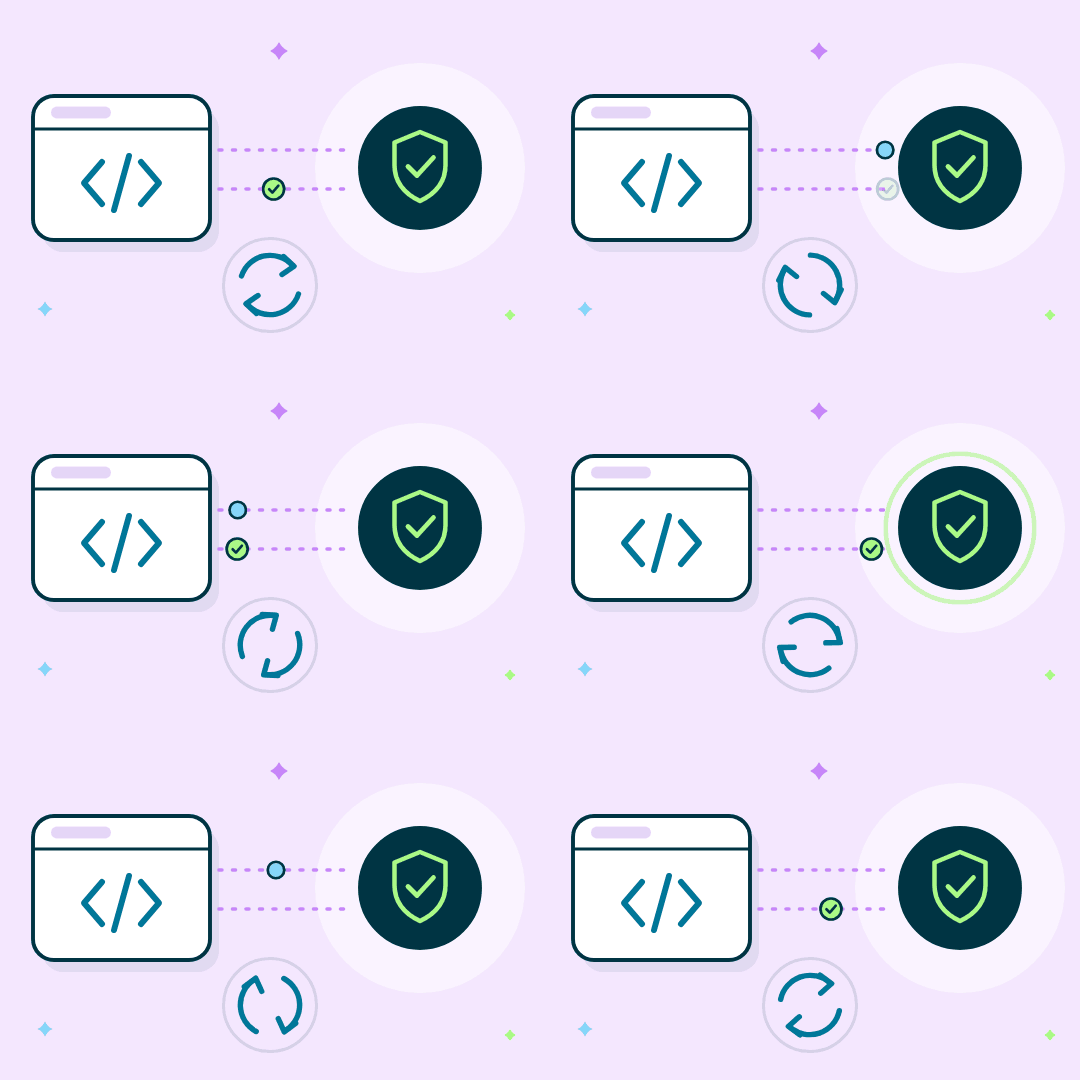
Each email is checked for syntax, domain and MX records, and mailbox status, then tagged Valid, Invalid, Risky, Catch-All or Do Not Mail.

Get a status-tagged CSV back, ready to filter and send.
Eight types of bad or risky addresses are caught before your next send.
Addresses where the mailbox doesn't exist or the domain can't receive mail.
Addresses that would hard-bounce, removed before they push up your bounce rate.
Repeated addresses are removed, so each contact appears on your list only once.
Malformed addresses, such as a missing @, stray spaces or invalid characters.
Temporary inboxes from throwaway email services that stop working soon after signup.
Shared inboxes like info@, sales@ or support@, flagged because they rarely belong to one person.
Addresses that should never get marketing email, tagged Do Not Mail so they are easy to drop.
Flagged, not removed: these domains accept any address. Run them through our catch-all email verifier to keep the real ones.
Every address comes back tagged and sorted into three groups, so you know exactly what to send, what to send with caution, and what to remove. Download the cleaned list as a CSV.
Clean active lists every 3 months, and always before emailing a list that hasn't been used in 90+ days, after a big import, or after an event. Verify new signups in real time with the Email Verification API.
Verify straight from your CRM, or connect the API to clean lists automatically.
Verify contacts inside HubSpot, with no CSV exports.
Verify leads and contacts directly in Salesforce.
Send lists programmatically for recurring cleanups and get a status back in under 200ms.
Email Verification APIRun email verification from AI assistants and agents that support MCP.
Email Verification MCPNeed something else? Use the bulk email verifier for large uploads, or check a single email with Instant Email Check.
Your list is encrypted in transit and at rest, and never sold or shared. ReachStream Email Verifier is ISO 27001:2022 certified and complies with major data protection standards.
Start free, pay only for what you verify. 1 credit = 1 email: cleaning 10,000 emails uses 10,000 credits (about $20 on Growth).
$0for 30 days
100 verification credits to start
$15/mo
5,000 credits every month
~$0.003 per email
$39/mo
20,000 credits every month
~$0.002 per email
$79/mo
50,000 credits every month
~$0.0016 per email
Custom
Volume pricing for high-scale lists
Upload your list to ReachStream Email Verifier as a CSV file, up to 25,000 emails per batch. Each address is checked in minutes and returned with a status tag (Valid, Invalid, Risky, Catch-All, or Do Not Mail), so you know exactly which contacts are still safe to email.
ReachStream Email Verifier delivers up to 99.8% accuracy on deliverable addresses, using syntax checks, domain and MX validation, and mailbox-level probing rather than a single-pass syntax check alone.
Yes. Cleaning protects your reputation going forward by flagging invalid, risky, and catch-all addresses before you send to them. Verification checks deliverability signals without emailing the addresses on your list, so the check itself doesn't affect your sender reputation.
Use the CSV file format, with up to 25,000 email addresses per batch upload.
Yes. Unused credits expire at the end of each billing cycle and don't roll over. Free Trial credits are valid for the 30-day trial period.
1 credit per email. Plans start at $15/month for 5,000 emails (about $0.003 each), and new accounts get 100 free credits.
Email addresses decay over time as people change jobs, abandon inboxes, or get removed by their provider, so a list that was valid a year ago can have a meaningfully higher bounce rate today. Re-verify before you send to catch dead or risky addresses before they damage deliverability.
Every 3 months for active lists, and always before re-sending to a list older than 90 days.
It removes invalid, abandoned and do-not-mail addresses that often turn into spam traps, but no tool can detect every trap.
Cleaning uses verification, plus de-duplication and removal, to give you a ready-to-send list.
Upload it free. No credit card, no commitment. Know in minutes which addresses are still safe to send.