















Supercharge Sales with
ReachStream Chrome Extension 

A Hero Banner Line On Text
Unlock instant insights on contacts and accounts, and add leads to sequences seamlessly inside your preferred apps.
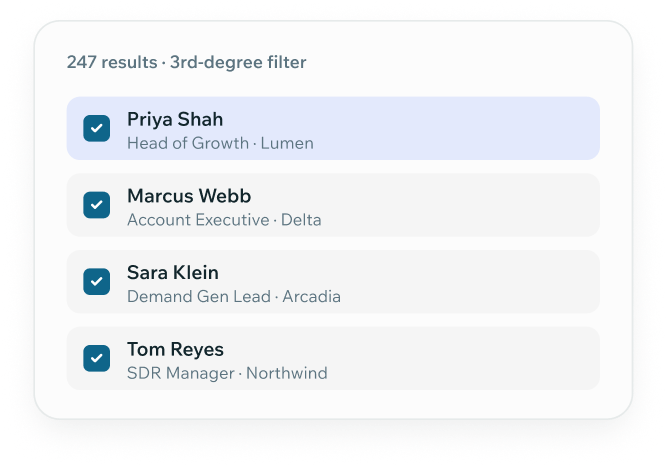
Reachstream Chrome Extension Adding Linkedin Sales Navigator Leads Directly To Sales Sequences.
Group 347718
4.8/5 rating on G2 | GDPR Compliant

The Bridge Between Insight and Action 

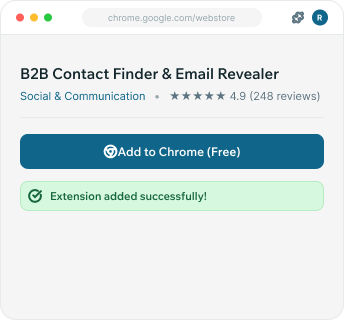
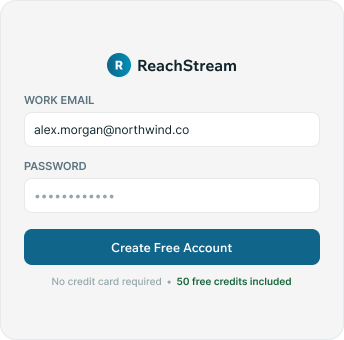
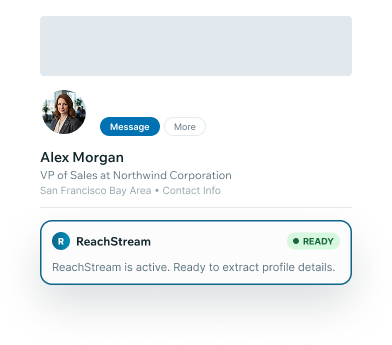
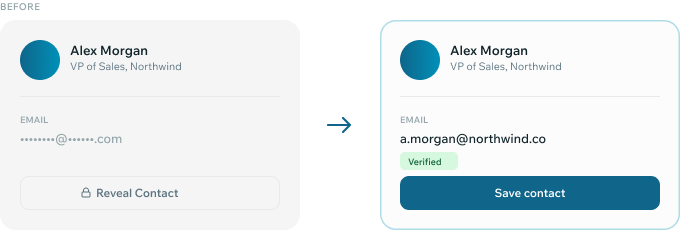
LinkedIn is where teams understand people, but direct access to them remains a challenge.  With the ReachStream Chrome extension, you can move from search to results in just a few steps. Let’s break it down:  
09 Chrome
1. The Research 
Teams use LinkedIn insights to decode behavior, industry, and pain points for relevant outreach.
07 Chrome
2. The Barrier 
You identify the right prospects, but outreach stalls due to InMail restrictions and low engagement across social platforms. 
10 Chrome
Container
3. The ReachStream Bridge 
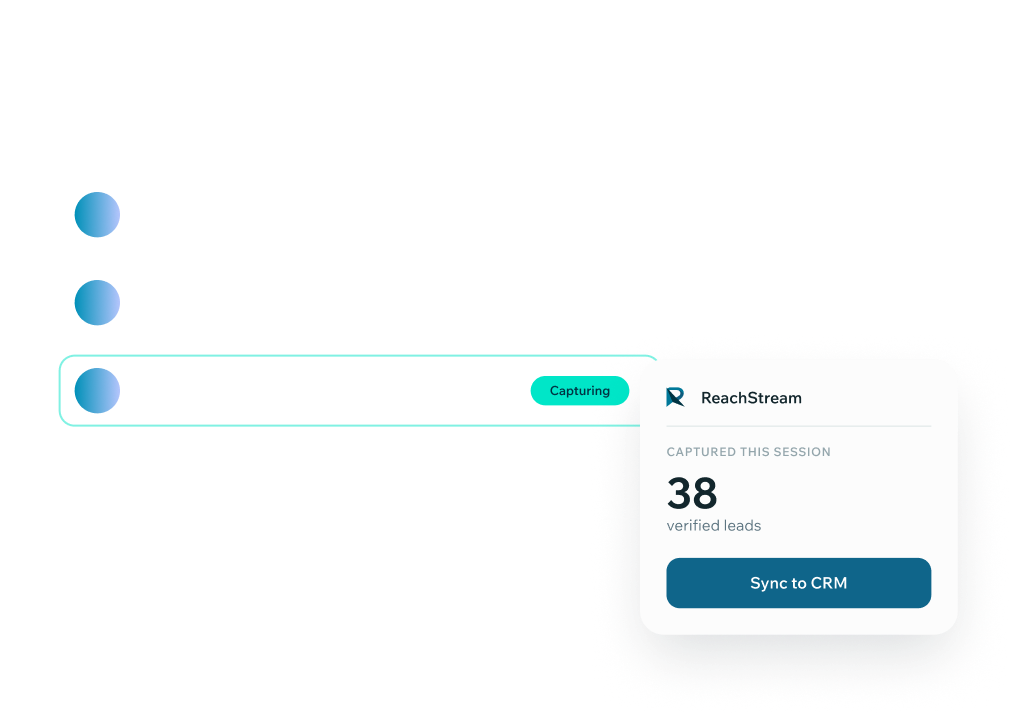
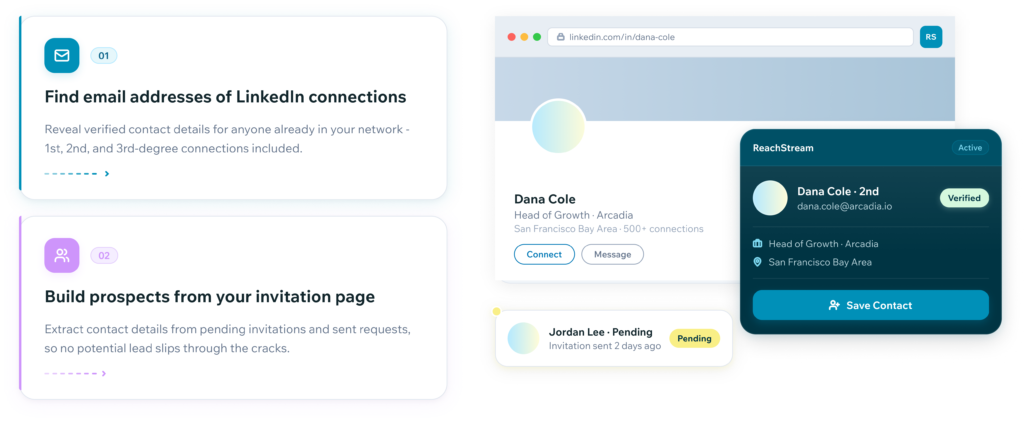
Turn LinkedIn insights into actionable outreach with accurate, verified data in real time.

Built to Match Your Workflow

Enabling smarter, more targeted outreach by turning data into actionable connections. 

The Challenge
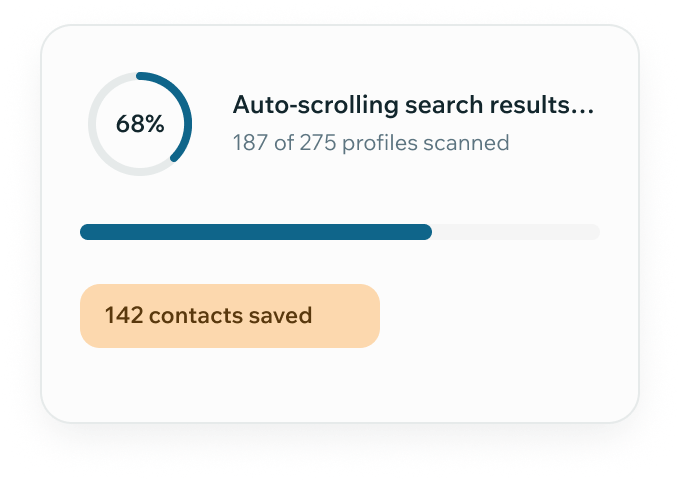
Too much time is spent on manual prospecting. Teams struggle to scale outreach efficiently while balancing research and targeting efforts.
How Reachstream Helps
Prospecting becomes more efficient with less manual effort. This gives teams more time to engage prospects and close opportunities.

What Makes our Chrome Extension Unique

21 Chrome
1. Maximize ROI 
With the right tools and insights, teams can turn every spend into meaningful returns. 
18 Chrome
2. Buyer Segmentation 
Better segmentation results in more efficient and impactful outreach. 
20 Chrome
3. Built for Scale 
Works equally well for startups, scale-ups, and enterprise teams. 
19 Chrome
4. Inbound Content 
So, you can attract prospects organically and convert them more effectively. 

Trusted Data Powers  Better Decisions

Strong results always begin with data that is accurate, verified, and consistently dependable.
25 Chrome
Verified & Enriched
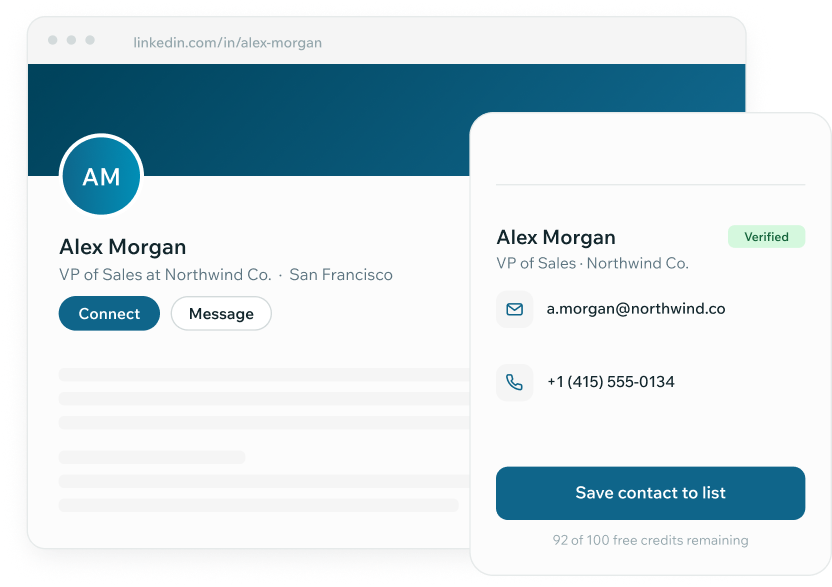
We go beyond guesswork; every contact is verified for deliverability. 
24 Chrome
Continuously Updated
Emails and phone numbers are updated in real time to reflect changes instantly. 
23 Chrome
Job Changes Tracked 
Stay up to date when prospects switch roles or companies.  
Reachstream Dashboard Showing How Verified Contact Data Increases Response Quality And Reduces Bounce Rates.

Supercharge Sales with ReachStream Chrome Extension

Turn every online search or LinkedIn visit into accurate B2B insights.

Group 248639
Group 315968
Group 315967
Group 315969
Group 77325
Group 77324
Group 82902
Group 111762

Frequently Asked Questions

1. Do I need to pay extra to use the ReachStream Chrome extension?

The Chrome Extension is included in your ReachStream subscription. So, you can access and use it freely with your existing plan.
Data is continuously updated every 45 days to ensure deliverability and accuracy. We use a rigorous 7-step AI+ manual verification process, ensuring users can confidently use it for outreach and engagement.
The ReachStream Chrome Extension is ideal for small businesses, startups, and growing enterprises. It helps find accurate contact data instantly, improves outreach, and drives business growth.
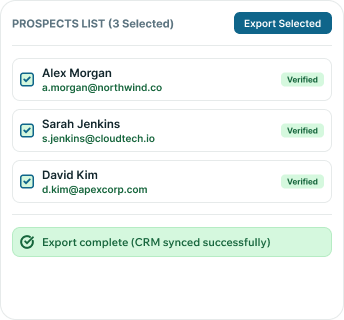
Yes, the ReachStream Chrome Extension integrates with CRMs. You can add leads directly from the extension. This helps keep your sales workflow connected and efficient.
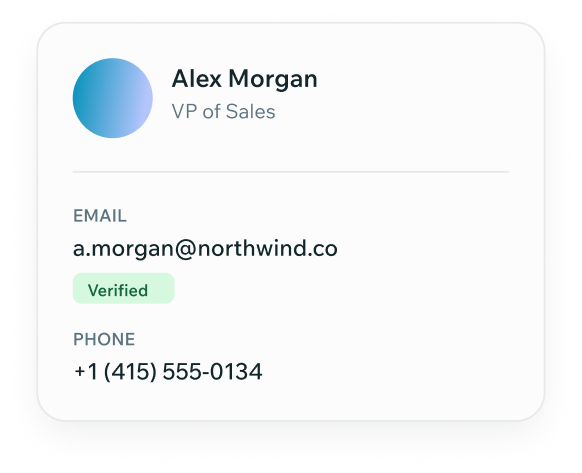
With ReachStream Chrome extension, you can access verified B2B contact data. This includes 20+ data attributes, such as email addresses, phone numbers, and more.
Absolutely, the ReachStream Chrome Extension can be installed and pinned to your Chrome bar. It allows faster access during your daily browsing.
Privacy Preference Center

When you visit any website, it may store or retrieve information on your browser, mostly in the form of cookies. This information might be about you, your preferences or your device and is mostly used to make the site work as you expect it to. The information does not usually directly identify you, but it can give you a more personalized web experience. Because we respect your right to privacy, you can choose not to allow some types of cookies. Click on the different category headings to find out more and change our default settings. However, blocking some types of cookies may impact your experience of the site and the services we are able to offer.